
Air spring animation — Tip-Topol

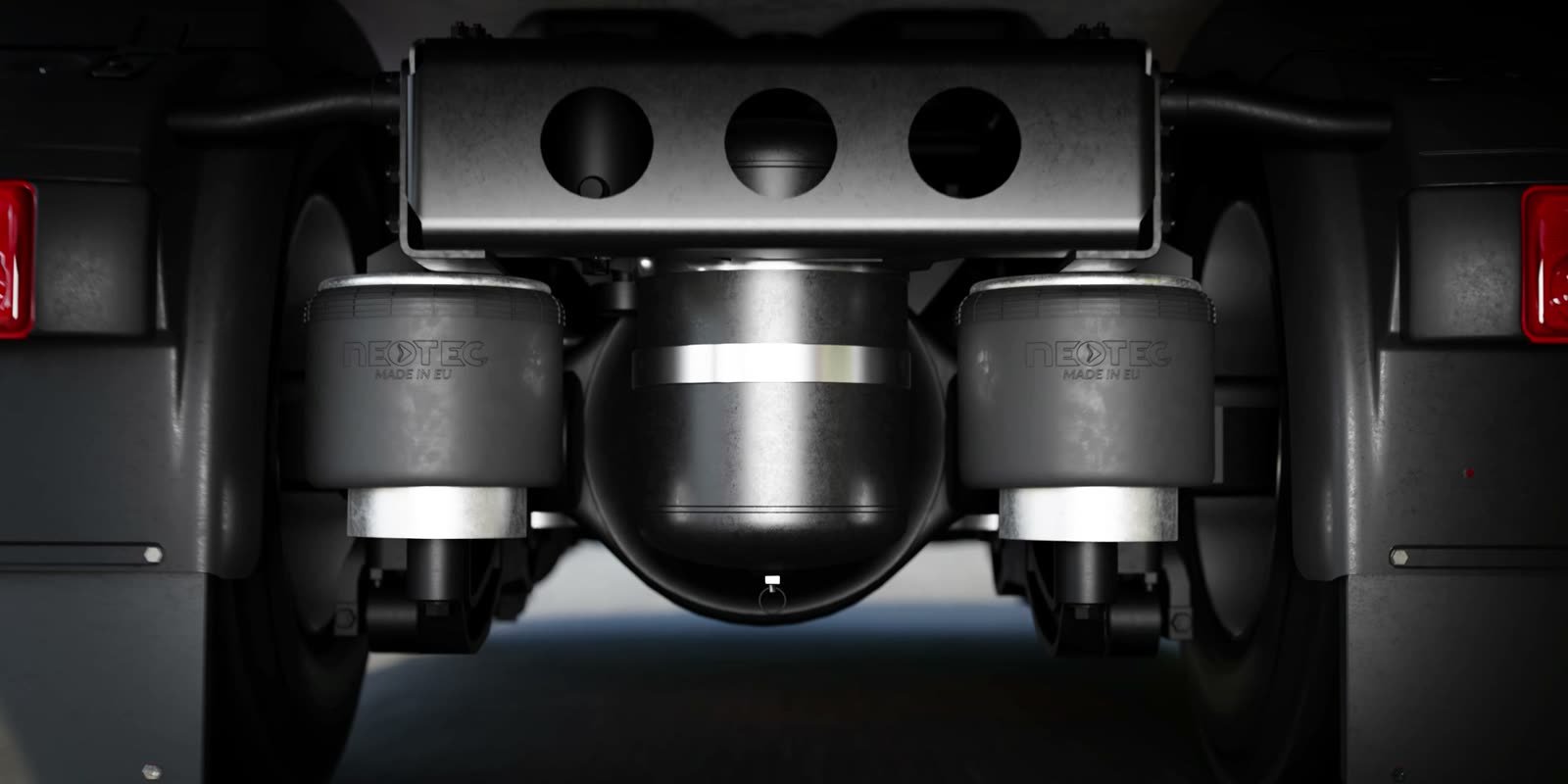
When you pass a truck on the road, you never look at its air springs — yet they carry the load between the axle and the frame. TIP-TOPOL from Pobiedziska, Poland (tiptopol.pl), makes them under the NEOTEC brand, but in a catalog every one of them looks like a still rubber cylinder. A 3D animation built on the CAD model takes the camera under a moving truck and shows the air spring where it actually works.
Scroll to watch ↓

3D animation shows what is hard to film

3D creative work does not have the limits of an ordinary camera. Air springs under a moving truck are hard to film: it is dark under the chassis, everything vibrates, and you cannot see the rubber working with the naked eye. In the animation you can watch them up close, in good light and in slow motion, with every compression visible.

For marketing, that is a lot of freedom. Instead of describing how the product works, you can simply show it. A customer understands in a few seconds what the part does and why it matters, and the sales team gets ready-made material for the website, presentations and trade shows.


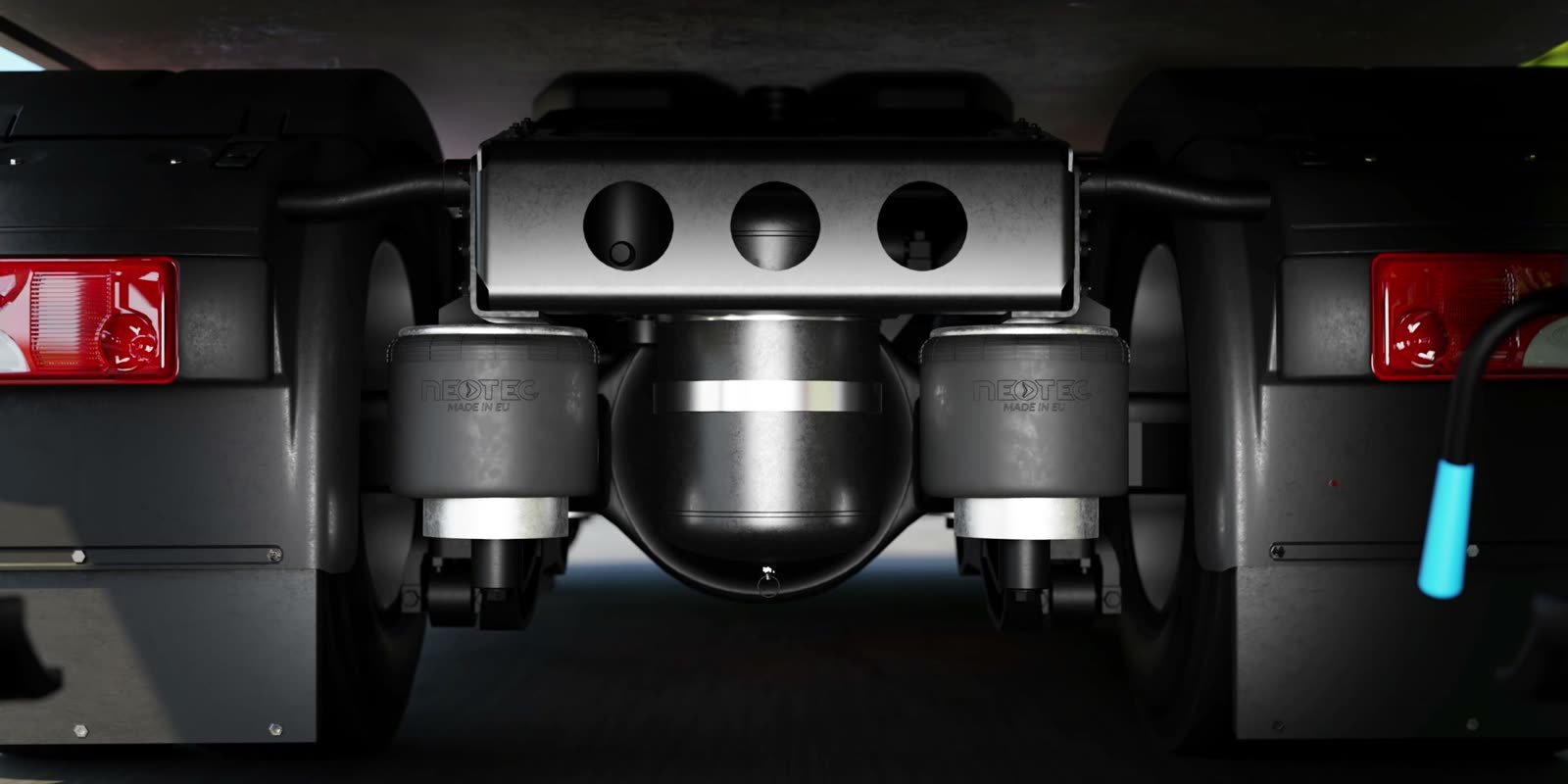
NEOTEC air suspension springs seen from under the vehicle
NEOTEC air springs from below — with the embossed brand, in light you never get under a real vehicle.

Do you have a CAD model of your part?

It is the fastest way to an animation. The calculator shows an estimated cost based on film length and the number of formats — the result takes two minutes.

Check the estimated cost

Where the air springs work on a vehicle

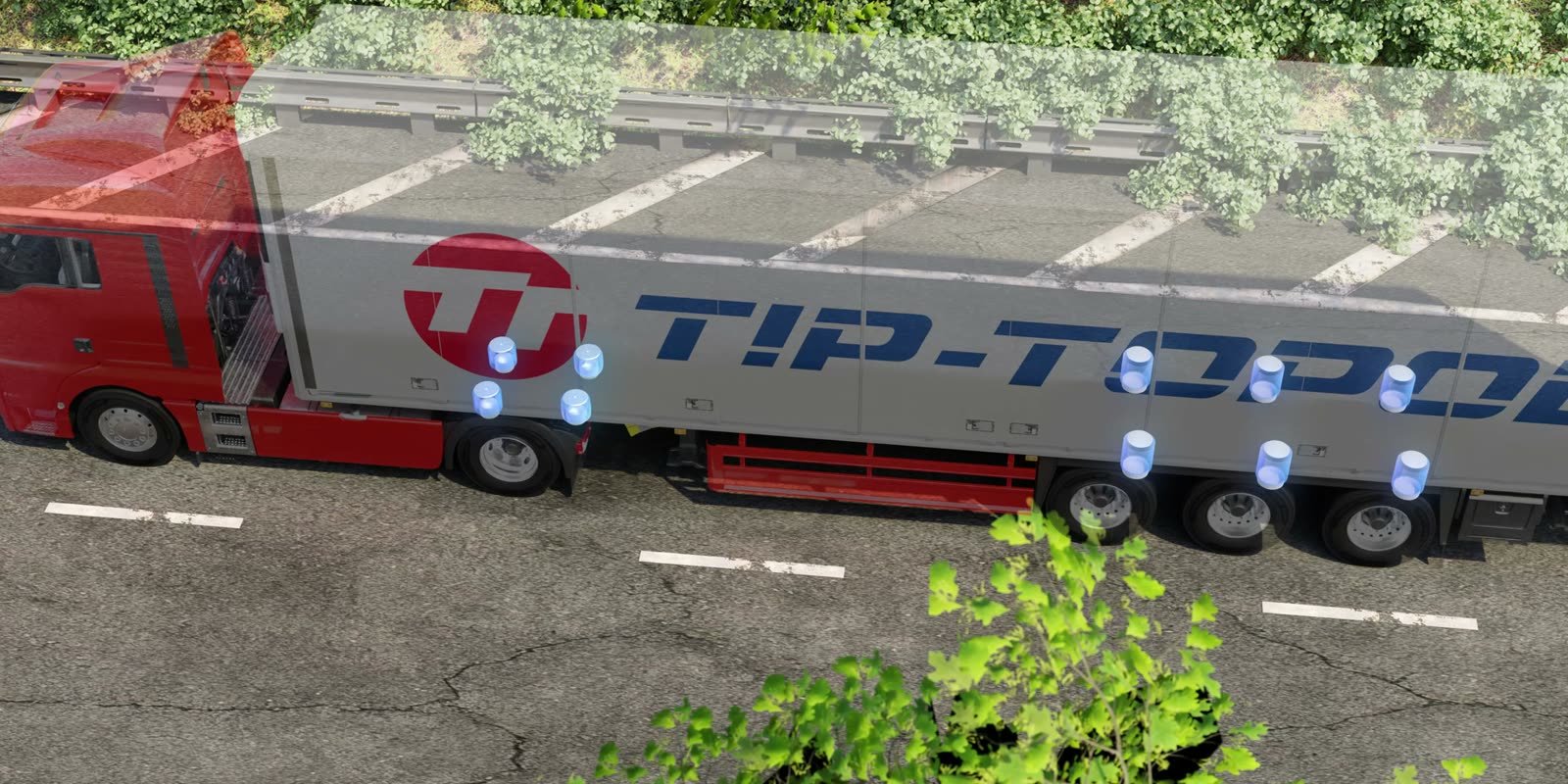
In the animation the vehicle can turn semi-transparent and the air spring positions can be marked with light — at the tractor axle and at the three trailer axles. One frame answers how many of these parts a vehicle has and where to find them. It is a simple way to explain the product to someone who is not a design engineer: a fleet manager, a distributor or a visitor at a trade show.


Top view — where the air springs work on the tractor and trailer axles

A 3D simulation that reproduces how an air spring really moves

A 3D animation can reproduce not only how a product looks, but also the physics of its motion. The air spring compresses under load and extends again, while the rubber folds and rolls over the piston just as it does in real suspension. The viewer sees a part that behaves like the real thing, not a rigid block that simply grows and shrinks.

The starting point was the client’s CAD model, and Tip-Topol’s engineers helped check that the working principle was shown correctly. As a result, the product works in its natural place, under a moving vehicle, and it does so in line with reality.

Developing a physically correct simulation of air spring motion is not a simple task, but it worked. This mechanical animation helped the client prepare marketing communication for its website and other channels.


One film, four formats, many channels

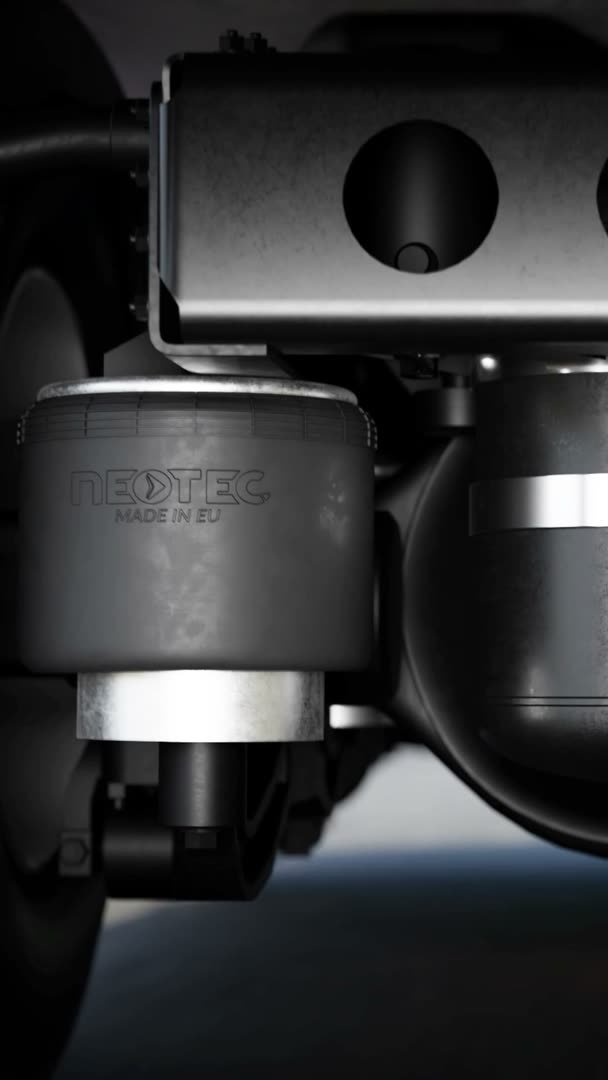
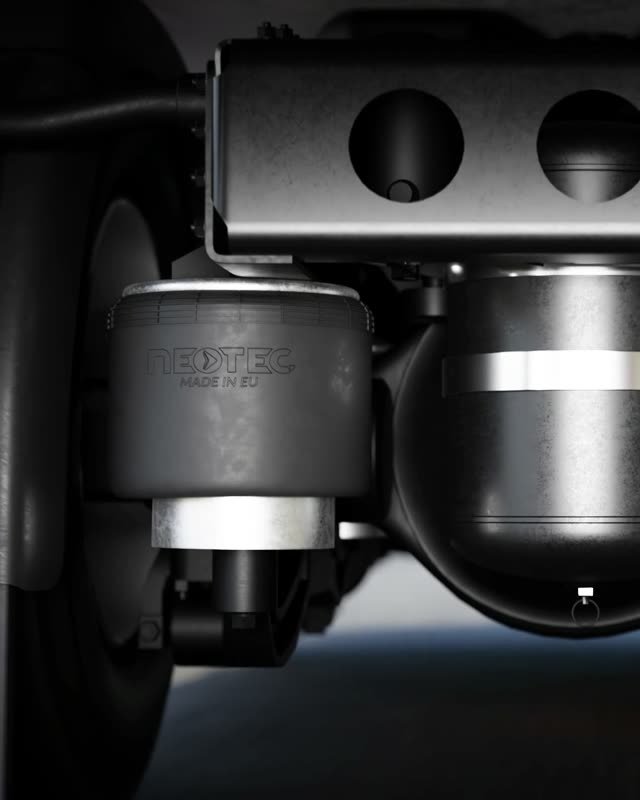
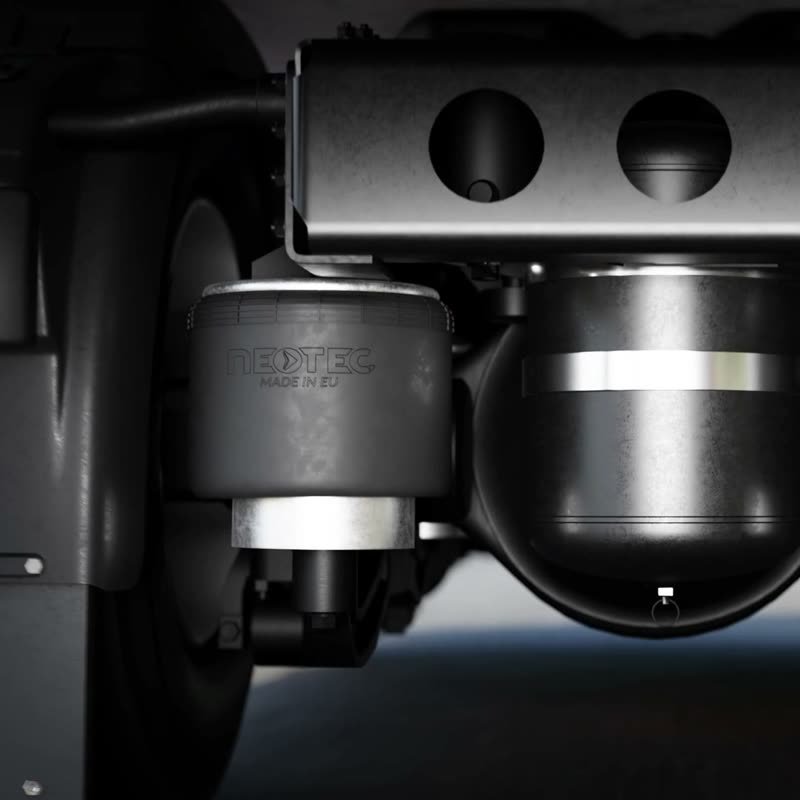
The animation was not planned for several aspect ratios from the start — and this is exactly where 3D has the edge over film shot with a camera. The scene lives in the computer, so the shot can be reframed and the same motion rendered in a different format. One film became a 2:1 version for the website banner plus 9:16, 4:5 and 1:1 for LinkedIn, stories and posts. In each of them the air springs stay at the center and the process stays clear.

Every format is a separate channel: website, social media, sales presentation, trade show screen. The material is not cropped out of a wide frame but composed for each screen — which is why the product and its work look good everywhere.


NEOTEC air springs at the tractor rear axle — 2:1 version
2:1 — website banner
Animation frame in 9:16 format
9:16 — stories and reels
Animation frame in 4:5 format
4:5 — feed post
Animation frame in 1:1 format
1:1 — square post

The same moment of the film in four aspect ratios — the air springs stay at the center of the frame in every version.


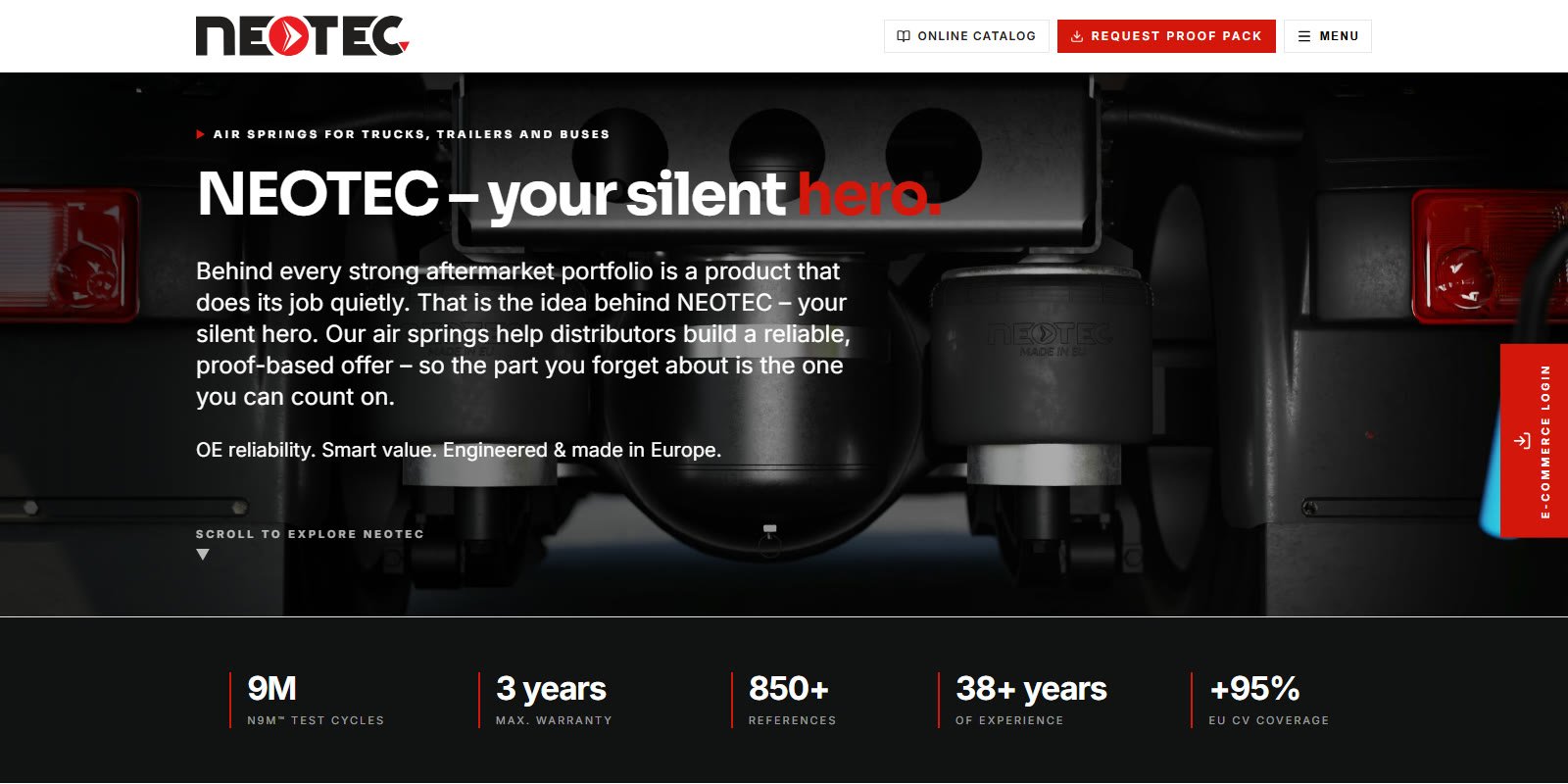
The animation in the NEOTEC website header

The film also works beyond LinkedIn and Tip-Topol’s banner. Shots from the animation open the home page of the NEOTEC brand — as a looping header background under a line about the “silent hero” of the suspension, and further down the same page the square 1:1 version is used. The same 3D scene that explains how an air spring works now builds the first impression on the brand’s English-language website.


neotecairsprings.com
NEOTEC home page with a video header from the Tip-Topol 3D truck animation

The neotecairsprings.com home page — header background built from the 3D animation shots (screenshot, October 2026).


Why not a photo or footage of a real truck

  1. Catalog photoShows shape and part number, but not the work. The air spring looks like a still rubber cylinder.
  2. Footage of a real truckShows the moving vehicle, but suspension work from below is hard to film — it is dark, everything vibrates and you cannot see the rubber move.
  3. Technical drawingGives dimensions, but speaks to the design engineer, not to the fleet manager, distributor or workshop.
  4. 3D animation from a CAD modelCombines an accurate shape, rubber moving under load and a shot that cannot be filmed.

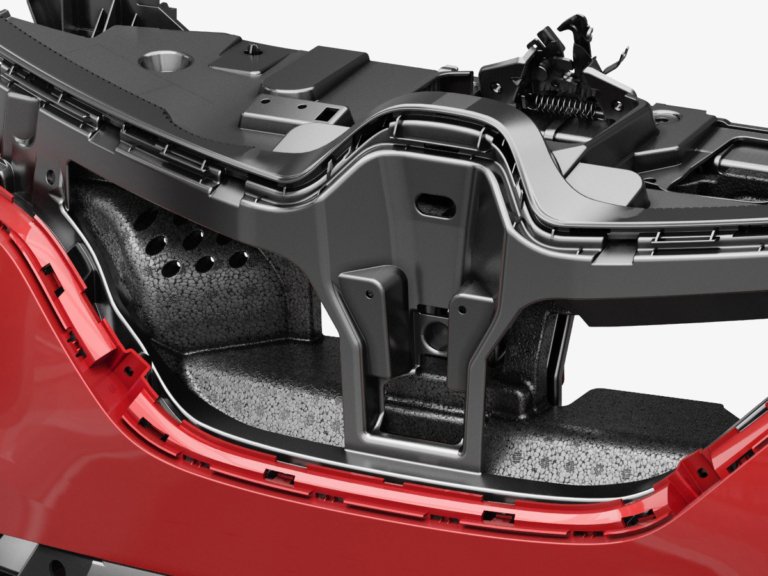
The same problem — a component that disappears from view once the vehicle is assembled — appears in the work for Knauf Automotive. More on showing how a product works: 3D product animation.


Did you know: 9 million cycles

An air spring works over every bump in the road — it compresses, extends and returns to its ride height with the full load above it. That is why its durability is measured in working cycles. NEOTEC states that its air springs pass a 9-million-cycle test. That number is hard to picture in a table. The animation shows the motion an air spring makes over every bump, and it becomes clear at once why its durability matters so much to a haulier.


0m
cycles in the NEOTEC air spring durability test
0+
product references in the range
0years
maximum warranty
1950
year TIP-TOPOL started operating
0
export markets

Manufacturer data: neotecairsprings.com, tiptopol.pl (as of October 2026).


Frequently asked questions

Questions that come up most often when a commercial vehicle parts manufacturer plans an animation — about documentation, formats, channels and cost.


Do you need a CAD model for the animation?

It is not required, but it shortens the work the most and gives the exact shape of the part. A CAD model from the design department has precise dimensions, so nothing in the animation has to be estimated by eye — every flange, piston and mounting matches the real product.

For rubber parts such as air springs, the documentation also defines the range of motion: ride height, minimum and maximum. Without CAD, the model is built from scratch from photos and drawings, which makes the project longer and requires an extra shape approval from the client.


How does an air spring work and why is it hard to show?

An air spring is a rubber air cushion between the axle and the vehicle frame. The air pressure inside carries the load, damps vibration from the road and keeps the vehicle at a constant height regardless of the load — more on the principle in the description of air suspension.

The difficulty is that all this work happens under the chassis and in motion. In a photo the air spring is a still cylinder, and footage of a real truck struggles to show it well. The animation shows it up close, in light and while it works — the one place where you can see the rubber roll over the piston.


Can one animation produce versions for different channels?

Yes — even if it was not planned at the start. The 3D scene stays in the computer, so the shot can be reframed to keep the key element in both wide and vertical formats. That is how the 2:1, 9:16, 4:5 and 1:1 set for Tip-Topol was made.

In practice it is one 3D scene rendered several times with different cameras. Each extra format costs far less than a new animation, and every channel — website, LinkedIn, stories, trade show presentation — gets material composed for it rather than rescaled.


How do you show a part that is hidden inside a vehicle?

The animation shows the part up close, in good light and in motion — including places where filming with a real camera is difficult. The vehicle can also turn semi-transparent. The viewer then sees the part in its natural setting, not taken out of context on a white background.

This approach works for any component that disappears from view after assembly — from air springs and shock absorbers to parts under the body panels, as in the project for Knauf Automotive. More examples in technical animations.


How much does an animation of a part from a CAD model cost?

The cost depends on the film length, the number of formats and the complexity of the motion — an air spring that has to flex naturally takes more work than a rigid part rotating on a background. The setting matters too: a vehicle and a road are additional models and scenes.

The pricing calculator shows an estimated cost in two minutes. An exact quote follows after reviewing the CAD files and talking about where the animation will be used.


Have a similar project?

Describe your product and the channel where the animation will work — we will reply with suggested shots and a quote.