

Technical 3D visualization turns a machine, a process or a piece of industrial equipment into a clear, photorealistic image — built straight from your CAD data. It shows how something works, and why it is engineered the way it is, to people who will never see it running in person.
A still that a spec sheet or a photograph simply cannot match.
Technology visualization — show how your product works
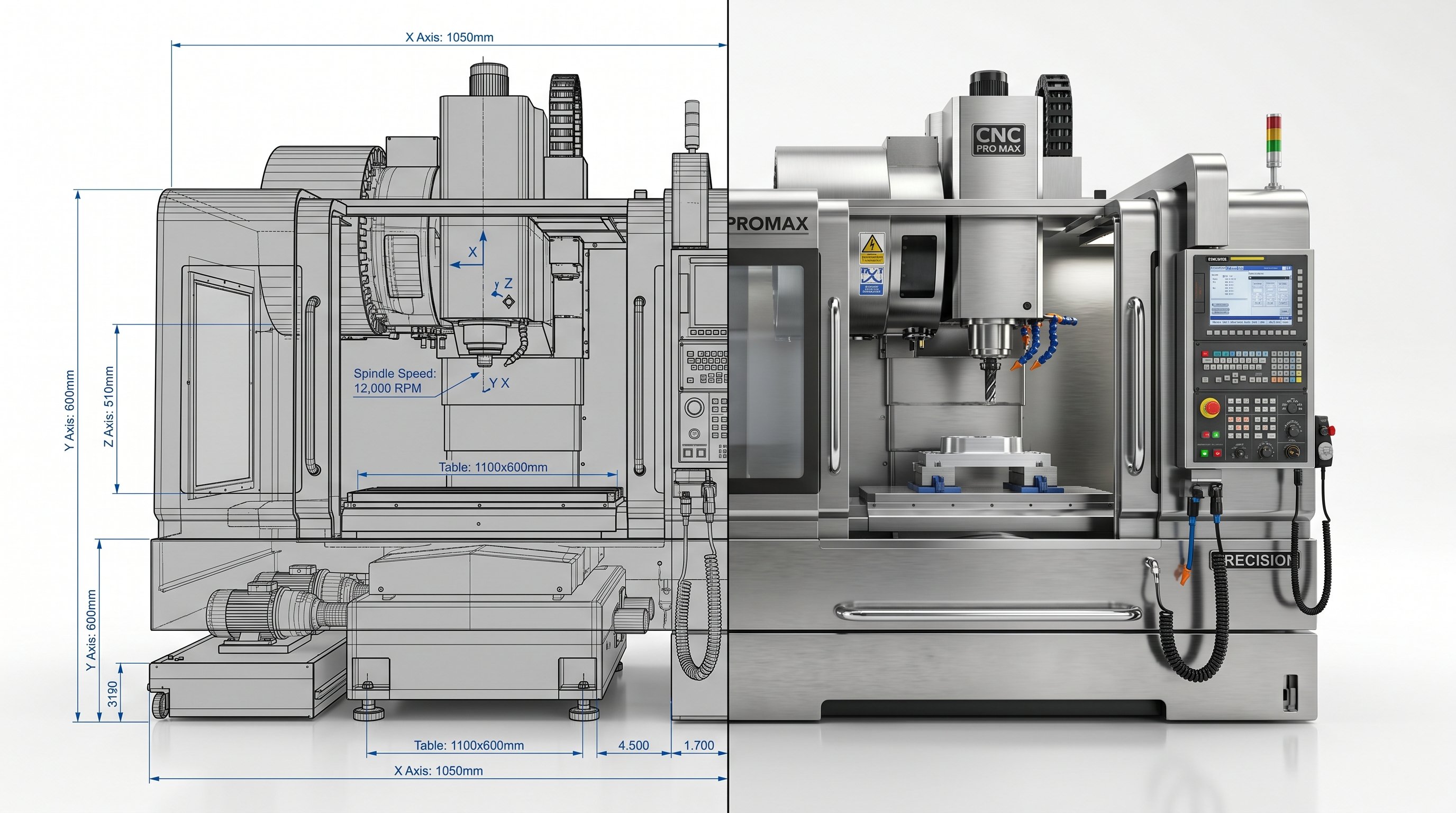
We build accurate 3D models and visualizations of equipment, machines and systems — the geometry taken from CAD, so an engineer recognises the real thing. Where a photo shows the outside, a technical visualization shows the mechanism: semi-transparent views, cutaways, the parts that actually matter.
What it gives you in practice:
- Detail a photo can’t hold — internal assemblies, tolerances, material transitions, all readable in a single frame.
- Visuals before the machine exists — a prototype, a variant or a configuration you have not built yet, rendered as if it were on the floor.
- One consistent standard — the whole product range in the same light, angle and scale, including units added to the catalogue later.
- No production downtime — nothing has to be dismantled, cleaned, shipped or shut down for a photo session.
- Reuse across documents — catalogue, tender, manual, website and trade-show panel all draw on the same model.
Need it in motion instead? That is a technical animation — built from the same model, so nothing is rebuilt from scratch. Examples of our engineering work: Hexonic heat exchangers and Pokolm CNC tooling.

Process visualization — examples across industries
Technical visualizations make the operation of equipment easier to understand and analyse. A process that is hard to record with a camera — inside a sealed unit, at high speed, or not yet built — becomes legible.
For an HVAC unit we take it apart in an exploded view, showing the airflow and heat exchange a static image hides; for aircraft ground equipment we lay out the handling sequence step by step. The medium changes, the principle does not: show what the eye can’t reach.
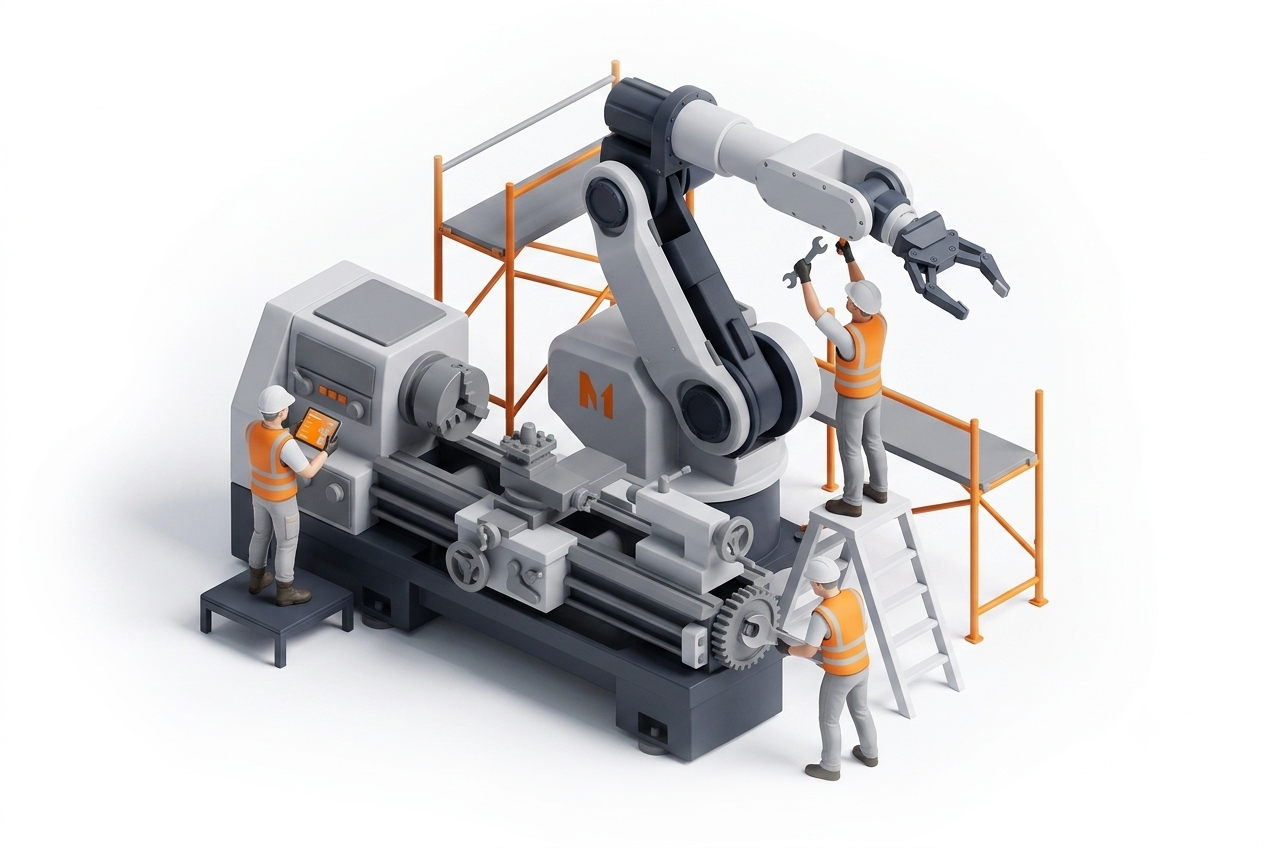
Typical subjects we visualize: heat exchange and airflow in HVAC systems · machining and tool paths in CNC equipment · assembly and service sequences · fluid, gas and material flow through a system · installation layouts across a whole plant or hall.
Machine visualization — engineered detail, made clear
Machine visualizations help engineers, technicians and non-technical buyers alike understand how equipment works. They are a strong fit for product catalogues, technical documentation, tenders and training — anywhere the audience has to trust the engineering before they commit.
Built from CAD, the model stays accurate to the manufactured part, so what a buyer sees on screen is what they receive. That accuracy is the difference between a picture that decorates a brochure and one a technical buyer will actually rely on.
It also travels well: the same asset works for a distributor abroad who never sees the machine in person, and for a tender panel that has to compare your solution against three others on paper.
Let`s talk
Let us know how we can help present your products in the form of animations or 3d visualisations
Frequently asked questions
What is technical 3D visualization?
A clear, photorealistic image of a machine, process or piece of equipment, built from a 3D model rather than photographed — showing how it works and why it is engineered the way it is.
How is it different from a technical animation?
A visualization is a still image; an animation adds motion — sequence, operation, a rotating view. Both come from the same CAD-based model.
What do you need to make one?
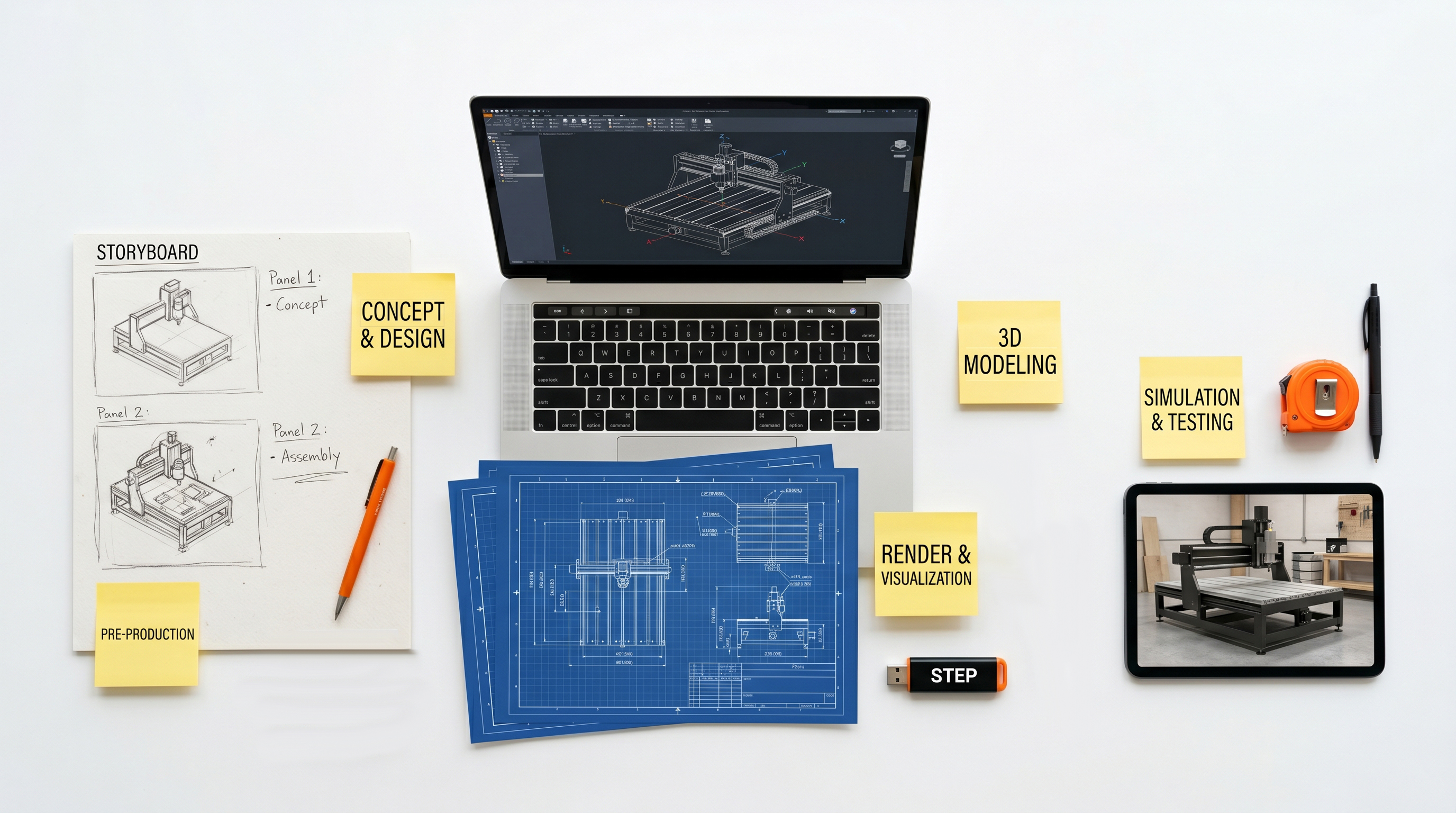
CAD files (STEP, IGES) give the most accurate result. Technical drawings, sketches or photos also work when there is no CAD.
Which industries is it for?
CNC machines and tooling, HVAC, medical devices, automotive components, aircraft equipment and industrial automation — anywhere the engineering is the selling point.
Can you show the inside of a machine?
Yes — cutaways, cross-sections, exploded and semi-transparent views reveal the parts and the mechanism a camera can’t reach.
Where are technical visualizations used?
Product catalogues, technical documentation, tenders, websites, training materials and sales decks — wherever a buyer must understand the engineering.
How accurate is a visualization built from CAD?
Accurate to your documentation. We keep the real proportions and structure from the CAD file, so the image matches the manufactured part.
How much does a technical visualization cost?
Every project is quoted individually — it depends on complexity, level of detail and whether CAD data is available. Use the calculator on our 3D page for a rough estimate; we return a firm quote within 24 hours.
Keep reading
How much does 3D visualization cost?
What drives the quote — and which input materials bring the cost down.